Three New Ways to Save Time in College Pipe
Running recruiting for dozens of athletes means a lot of repetitive clicks: the same status change, the same email, the same settings, one profile at a time. Our latest College Pipe release takes most of that work away.
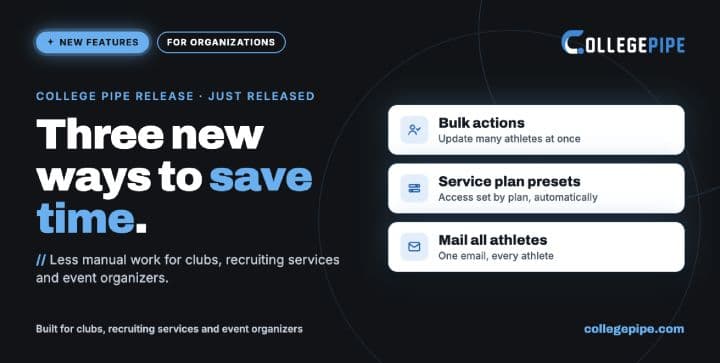
Three new features, each built around how a different type of organization works:
Bulk actions for clubs: update many athletes in one step
Service plan presets for recruiting services: every plan carries its own access, auto-applied to every new athlete
Mail all your athletes for event organizers: one email to everyone at your event, delivered individually
Each feature was built with one type of organization in mind, but most of them help all three. The overview at the end of this article shows which functions matter most for you.
Here's what each one does and how teams are using it.
1. Bulk actions: one update, every athlete
Built for clubs, academies and prep schools.
On the Athletes/Students page, select several athletes, choose an action and apply it to all of them in one step. Before anything changes, a confirmation shows exactly how many athletes will be updated.
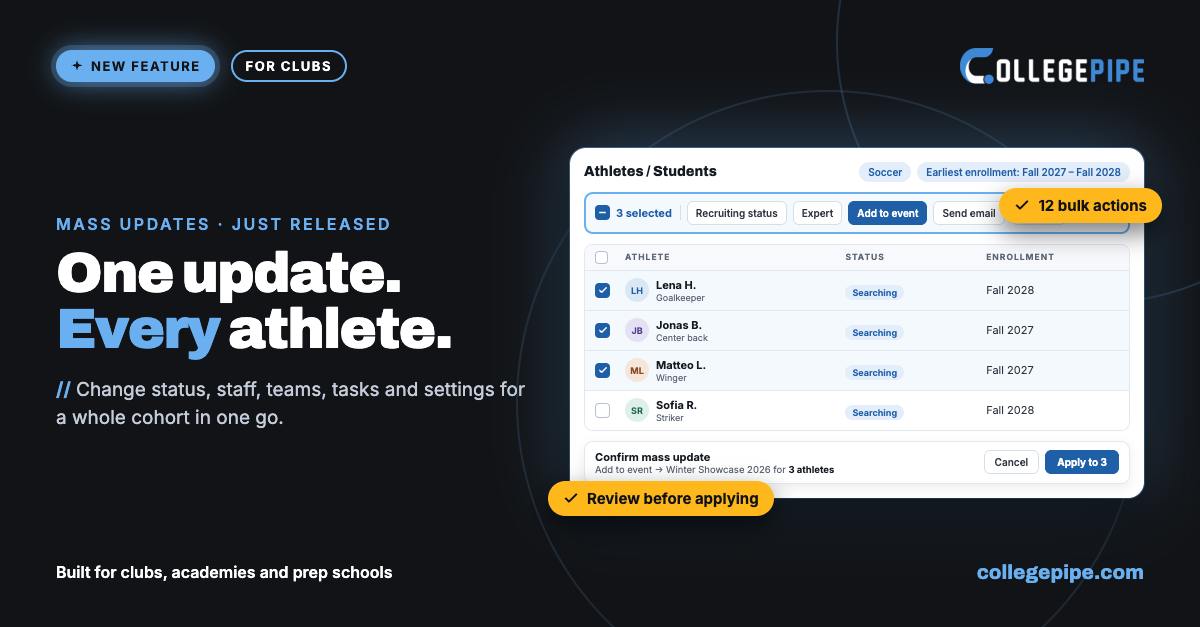
With one bulk action you can:
Change the recruiting status
Activate or deactivate accounts
Add athletes to a team or an event
Assign tasks from a task template
Set a new starting date
Update athlete settings
Change the recruiting expert, support staff, tag or service plan
Send an individual email to each selected athlete
It pairs well with the improved earliest enrollment filter, which now takes a from/to range that includes past semesters. Filter a cohort, then update everyone in it at once.
How clubs are using it
Showcases and events: add your 2027 and 2028 players to a showcase in a few clicks instead of one by one.
Season start: select your new intake and assign your standard onboarding tasks from a task template in one step.
Status clean-up after signings: move everyone who has signed to the right status at once, so your pipeline and board reflect reality.
Active athlete count under control: deactivate athletes who have finished their journey together, so they no longer count toward your active athletes.
Shifting timelines: move a cohort to a new starting date in one action when a semester plan changes.
Staff changes: when a recruiting expert or support staff member takes over, reassign a whole group in one step.
Personal reminders at scale: send each selected athlete their own email, for example a deadline reminder or a request for missing documents.
2. Service plan presets: every plan, its own access
Built for recruiting services and agencies with tiered plans.
Many recruiting services that use College Pipe offer tiered plans, for example BRONZE, SILVER and GOLD, each with a different level of access. Until now, that meant configuring every athlete by hand. Now each service plan carries its own preset of settings.
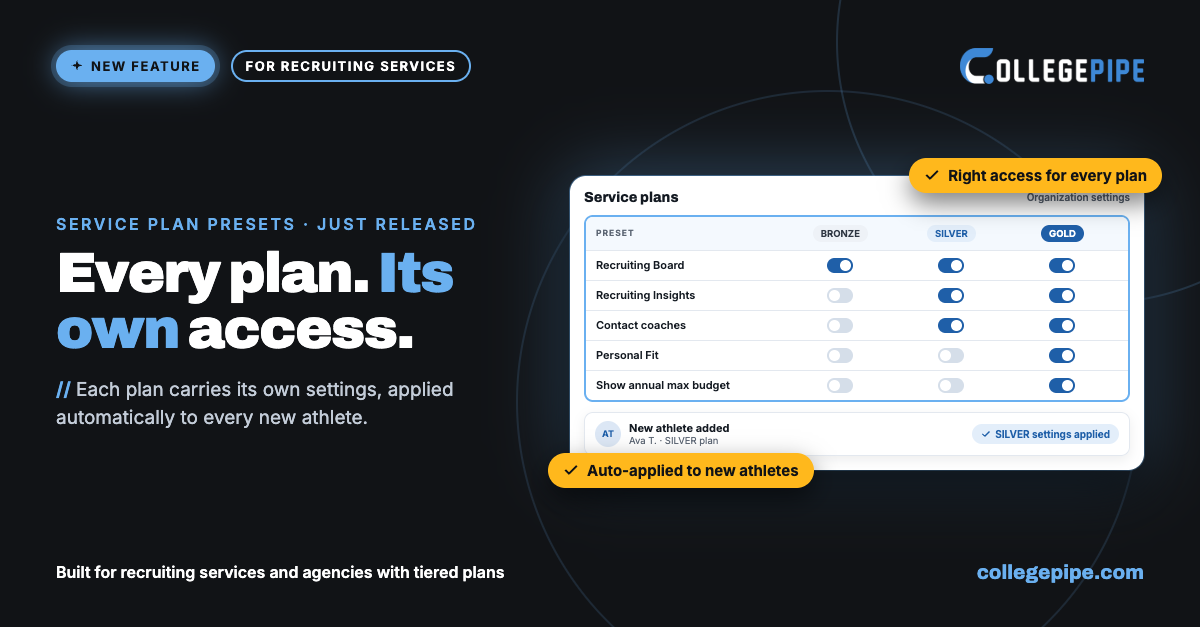
The preset is auto-applied to every new athlete, whether they join through an API sign-up or your team adds them with "Add new athlete". Athletes get exactly what their plan includes from the first login, and your team can still adjust the settings of any individual athlete afterwards.
What a preset controls
Athlete access: Profile, Recruiting Process, Mail, University Database, Recruiting Board and Recruiting Insights
Athlete permissions: contact coaches, connect an email address, add to the Recruiting Board, manage the Recruiting Board
Feature and data visibility: Personal Fit, display of tasks (all or assigned only), show annual max budget
Contact details shown on the athlete profile: athlete, recruiting expert, parent, coaches
How recruiting services are using it
Hybrid business model: offer a lower-cost plan for athletes who run their own recruiting (they contact coaches, favorite schools and manage their own board) and a premium plan where your recruiting expert does the heavy lifting. Set up both once; they apply automatically.
The right access for every plan: an athlete on a lower tier only sees what their plan includes, without anyone checking profiles.
Faster onboarding: new athletes start right away with the right setup, and your team saves time on every sign-up.
Fewer mistakes: no more athletes with too much or too little access because a setting was forgotten.
3. Mail all your athletes: one email, every attendee
Built for showcase, camp and event organizers.
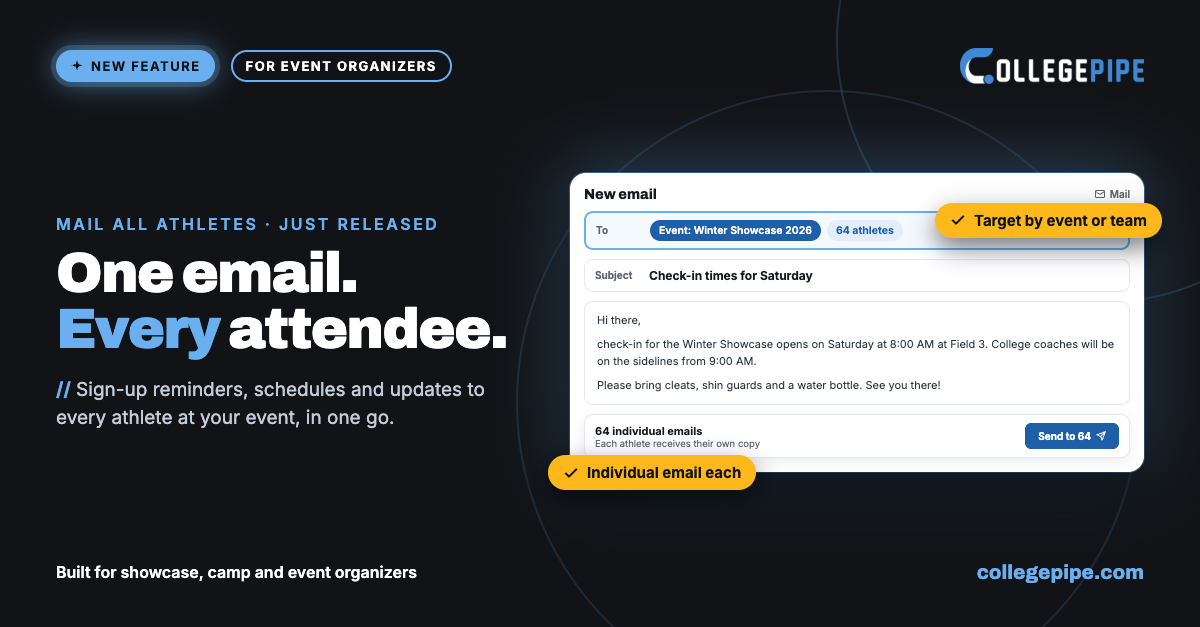
Event organizers that use College Pipe can now email all of their athletes, or any group they select, straight from the platform. Each athlete receives their own individual email, so there's no need to write and send dozens of separate messages.
How event organizers are using it
Event sign-ups: remind athletes to register for a showcase, camp or event before the deadline.
Event day logistics: send check-in times, field locations and what to bring to everyone attending.
Webinars: invite athletes and parents to an upcoming webinar, and send a reminder right before it starts.
Big announcements: share news, new partnerships, deadlines or rule changes with everyone at once.
Targeted groups: select an event, a team, an intake or a recruiting status and reach exactly the right athletes.
Which functions matter most for you
Every function in this release, rated by how much it helps each type of organization. Key = part of your daily work, Useful = saves time regularly, Occasional = handy now and then.
Function | What it does | Clubs | Recruiting services | Event organizers |
|---|---|---|---|---|
Bulk: Change recruiting status | Update the status of many athletes at once | Key | Key | Occasional |
Bulk: Activate or deactivate accounts | Manage your active athlete count in one step | Key | Key | Useful |
Bulk: Add to a team | Put a group of athletes on a team | Key | Useful | Occasional |
Bulk: Add to an event | Add a group to a showcase, camp or event | Useful | Useful | Key |
Bulk: Assign modules / tasks from a template | Give a whole intake the same onboarding tasks | Useful | Key | Useful |
Bulk: Set a new starting date | Move a cohort when a semester plan changes | Useful | Key | Occasional |
Bulk: Change recruiting expert or responsible person | Reassign a group when staff changes | Useful | Key | Occasional |
Bulk: Change tag or service plan | Group athletes by showcase or intake, or move them to another plan | Useful | Key | Useful |
Bulk: Update settings | Apply the same settings to a group | Useful | Key | Useful |
Bulk: Individual email to selected athletes | Send each selected athlete their own email | Key | Key | Key |
Service plan presets | Each plan carries its own access and permissions | Useful | Key | Useful |
Presets auto-applied to new athletes | Right setup from the first login, via API sign-up or manual "Add new athlete" | Key | Key | Key |
Mail all your athletes | One email to all athletes or any group, delivered individually | Key | Key | Key |
Get started
Already using College Pipe? Log in, open the Athletes/Students page and try your first bulk action. To set up service plan presets, open your organization settings. Questions or ideas on how to speed up your workflow even more? Just reach out, we're happy to help.
New to College Pipe? Explore our solutions for club teams, recruiting services and event organizers, or book a demo to see how your team can run its recruiting in one place.


